
Best AI Profile Picture Generator for a Professional Look in 2026
A professional profile picture is a close crop, a plain background and a face people recognize. What to look for, the sizes by platform, and the tools compared.

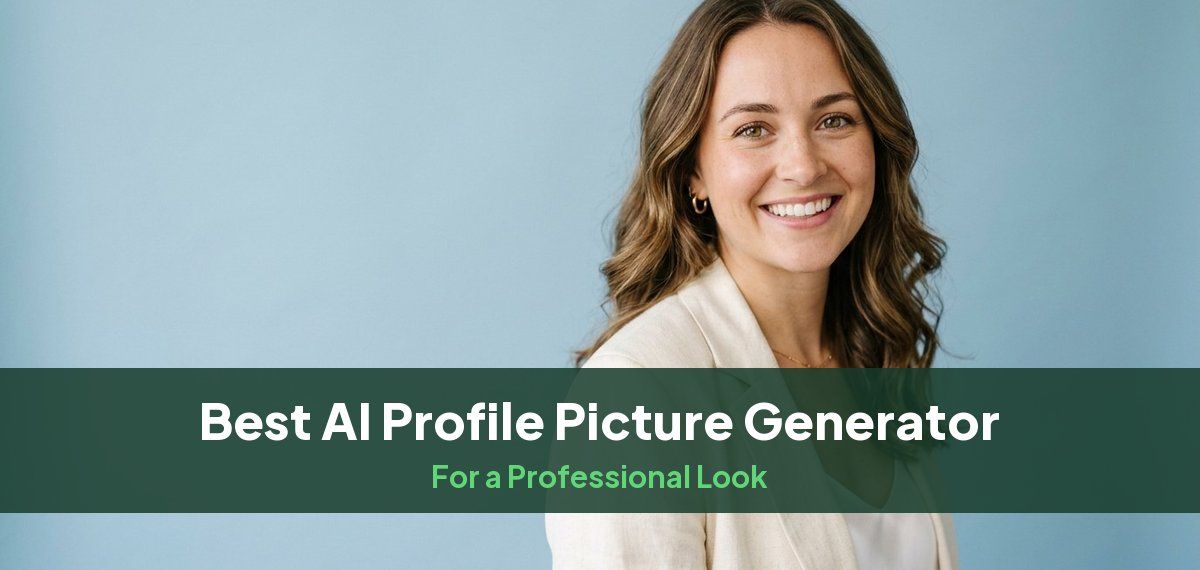
The best AI profile picture generator for a professional look is one that makes a headshot of you, from your own photos, cropped close enough that your face reads in a small circle. Most "AI profile picture" tools make avatars, cartoons or themed portraits. For LinkedIn, Slack, a company directory or an email signature you want a headshot instead: Headshots by Magic Studio makes 50 of them across 5 looks in about 15 minutes, and you see them before you pay.
Below: what makes a profile picture read as professional, the sizes each platform uses, the tools compared, and how to choose one from your set. Every tool figure comes from the tool's own website, checked on October 13, 2026.
What makes a profile picture look professional
- A close crop. Profile pictures are shown small and usually in a circle. Crop from about the chest up so your face fills most of the frame.
- A plain or softly blurred background. Gray, navy, soft blue or a blurred office keeps attention on your face. Busy rooms and outdoor clutter turn into noise at thumbnail size.
- Light on your face. Soft, even light from the front, with no harsh shadow under the eyes or chin.
- An expression that fits your work. A relaxed, closed-mouth smile reads as competent almost everywhere; a fuller smile suits client-facing, sales and healthcare roles. More on that in should you smile in a headshot.
- It looks like you. The people who see your picture will meet you on a call. A picture that changes your age, skin or features works against you.
- The same picture everywhere. One photo across LinkedIn, Slack, email and your company bio makes you easy to recognize.
Profile picture sizes by platform
| Platform | Size | Shape | File limit |
|---|---|---|---|
| 400 x 400 px minimum, up to 7680 x 4320 | square, shown as a circle | 8 MB, JPG or PNG | |
| X (Twitter) | 400 x 400 px | square, shown as a circle | 2 MB |
| Slack | 512 x 512 to 1024 x 1024 px | square | |
| Google account and Gmail | any size up to 20 megapixels | scaled to a circle | 5 MB, JPG or PNG |
| Zoom | no set size | square works best | 2 MB |
| Microsoft Teams and Outlook | no set size | square, shown as a circle | 4 MB |
A square image of at least 1024 x 1024 pixels with your face centered covers all of them. Every other size, from resumes to print, is in our headshot dimensions guide.
AI profile picture generators compared
| Tool | Makes a new headshot from your photos | Cheapest one-time pack | Headshots | If the result is wrong |
|---|---|---|---|---|
| Headshots by Magic Studio | yes | $59 for all 50 ($49 starter pack of 3) | 50, 5 looks | you see them before you pay |
| HeadshotPro | yes, plus a paid profile-picture formatting step | $29 | 30 | money back if they do not look like you |
| BetterPic | yes; its free profile picture editor only edits an existing photo | $35 | 20, 1 style | 7-day refund, none after download |
| Secta Labs | yes; its "fun profile pictures" packs are playful avatars | $49 | 200+ | 30-day money-back guarantee |
| The Multiverse AI | yes | $29.99 | 100+, plus 20 custom | non-refundable once generated |
Headshots by Magic Studio
Headshots by Magic Studio turns about ten of your own photos into 50 headshots across 5 looks in about 15 minutes. Each shoot trains its own model on your photos, which keeps the results looking like you, and you see every headshot before paying. Packs start at $49: a starter pack of 3, all 50 for $59, or all 50 in print-ready high resolution for $69. If you only need a profile picture for now, the $49 starter pack buys the three you like best.
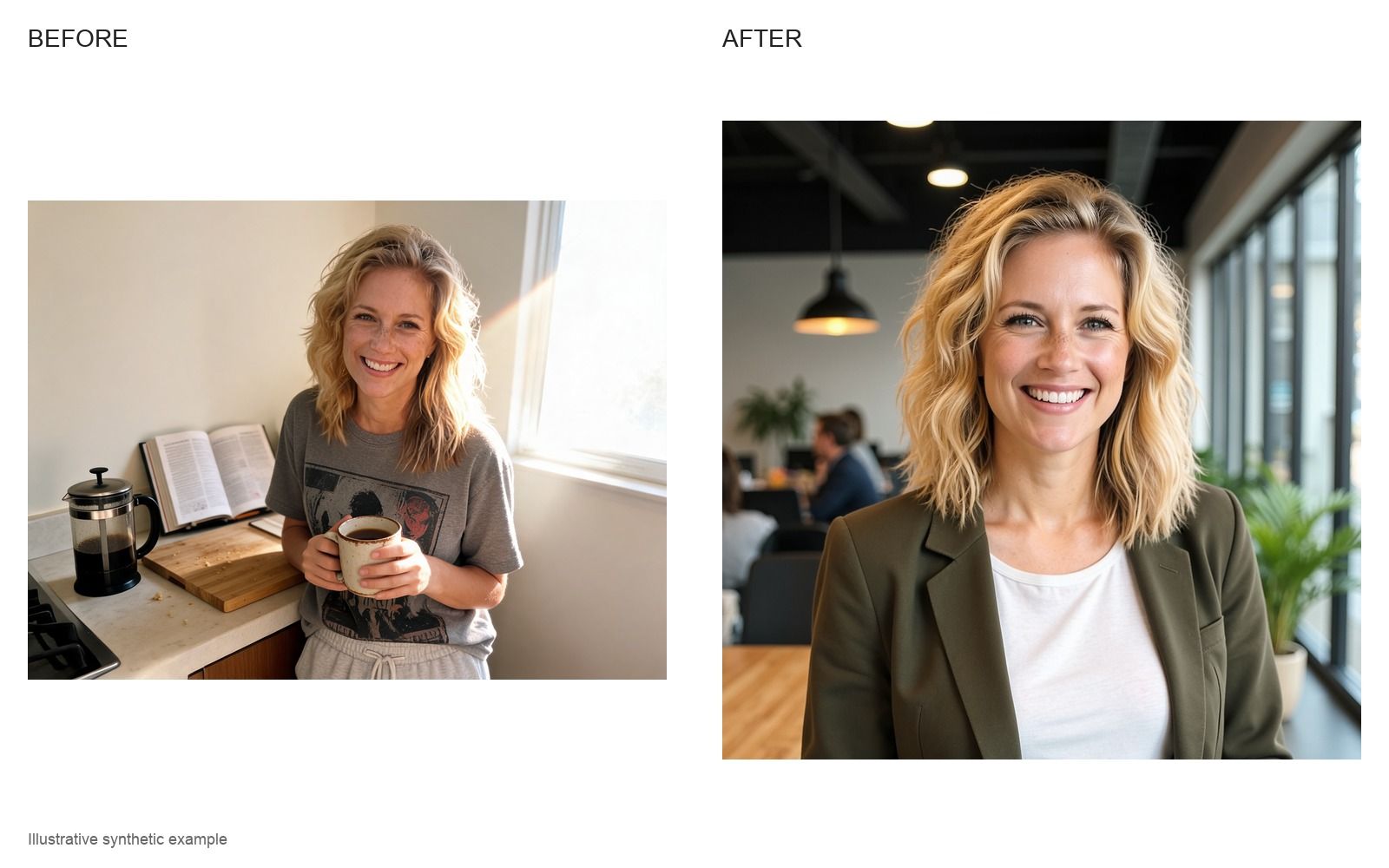
Best for: a professional profile picture you can use everywhere, checked before you pay.
HeadshotPro
HeadshotPro makes headshots and then offers a profile-picture step that formats one into a finished 1024 x 1024 PNG with a shape and background of your choice. Its cheapest pack is $29 for 30 headshots, in about two hours. See Magic Studio vs HeadshotPro.
BetterPic and Secta Labs
BetterPic's headshots come in 4K, and its free profile picture editor adds a border, crops to a circle or square and exports a 500 x 500 PNG from a photo you already have. Secta Labs gives 200 or more headshots for $49; its separate "fun profile pictures" packs are themed avatars rather than professional pictures. See Magic Studio vs BetterPic.
Free options
Several tools make a profile picture for free, usually one to three images at social-media resolution. What each gives, and the catch, is in our guide to the best free AI headshot generators.
How to get a professional profile picture with Magic Studio
- Upload about ten photos. Selfies and casual photos work if they are sharp and well lit, with your face clearly visible, a mix of angles, and your usual hair and glasses. How to turn a normal photo into a headshot shows what to upload.
- Choose your looks. Pick outfits and backgrounds that suit your field.
- Review all 50. Shrink your favorites to the size of a coin and keep the ones you still recognize. If one looks off, our guide to why an AI headshot does not look like you explains what to change.
- Pay for the ones you want and download. Crop to a square with your face centered, and use the same picture on every platform.
Common questions
What is the best AI profile picture generator for a professional look?
One that makes a realistic headshot from your own photos rather than an avatar. Headshots by Magic Studio makes 50 across 5 looks in about 15 minutes, and you see them before you pay.
What size should a profile picture be?
A square image of at least 1024 x 1024 pixels with your face centered works on LinkedIn, X, Slack, Google, Zoom and Microsoft Teams. LinkedIn's minimum is 400 x 400 pixels, and most platforms show the picture as a circle.
Is an AI profile picture okay for LinkedIn?
Yes, if it looks like you. LinkedIn's help page says your profile photo "must reflect your likeness". Our guide to the best AI headshot generator for LinkedIn goes further.
What is the difference between a profile picture and a headshot?
A headshot is a professional photo of your head and shoulders. A profile picture is how that photo is shown on a platform: usually cropped closer, square, and displayed small, often in a circle. A good headshot makes a good profile picture once it is cropped.
Should I use the same profile picture everywhere?
For work, yes. The same picture on LinkedIn, Slack, email and your company bio makes you easy to recognize, so pick one and update it everywhere at once.