


Your personal
AI photographer
Upload a few photos once. After the AI learns how you look, create any photo of you in seconds.
Create your photos for free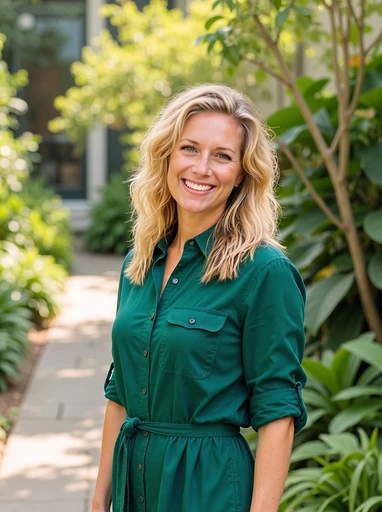
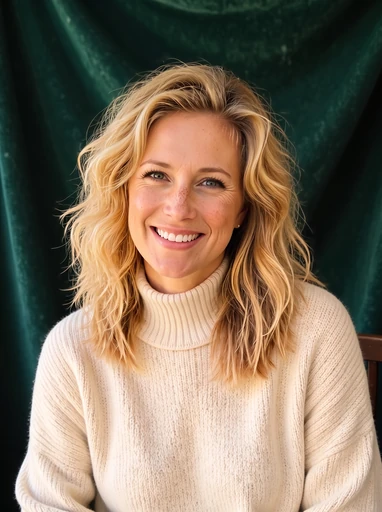
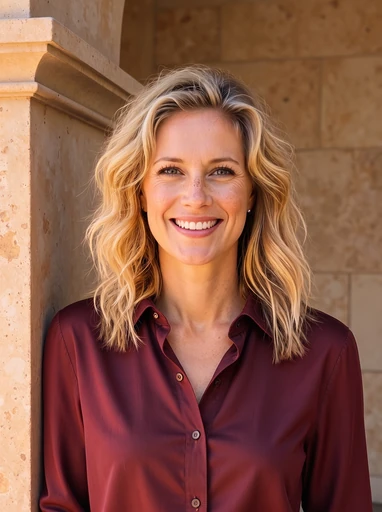
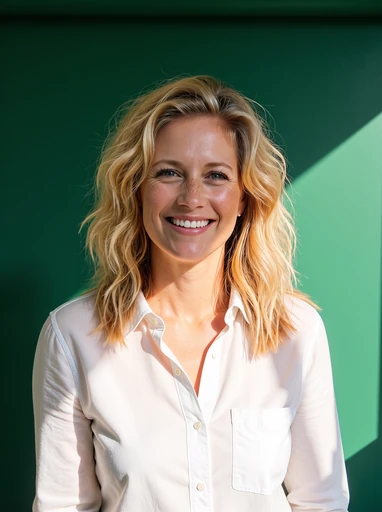
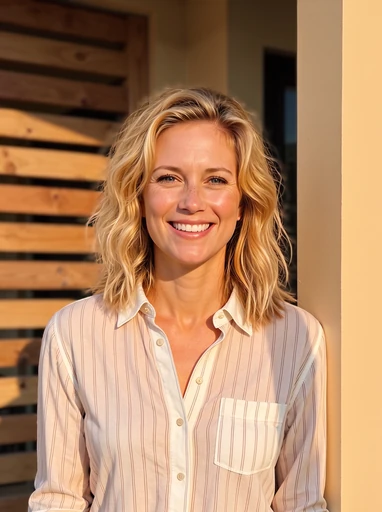
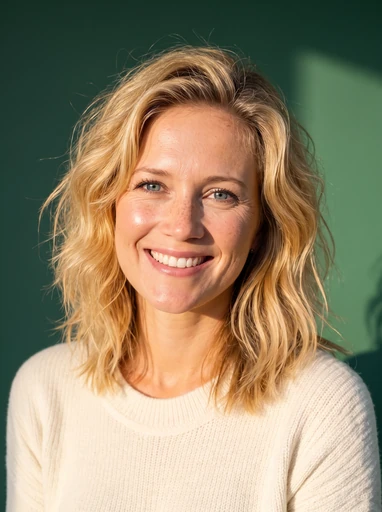
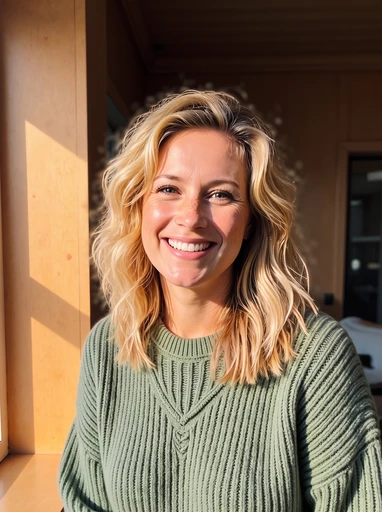
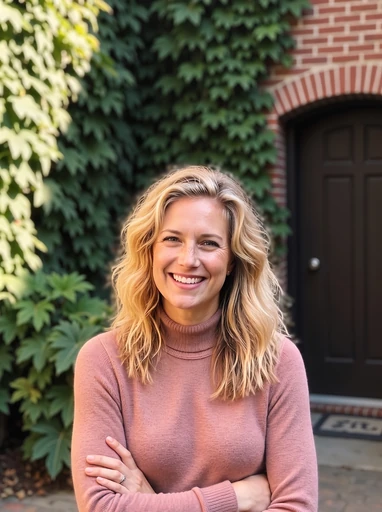
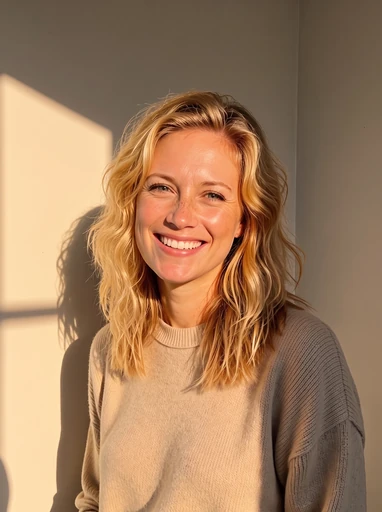
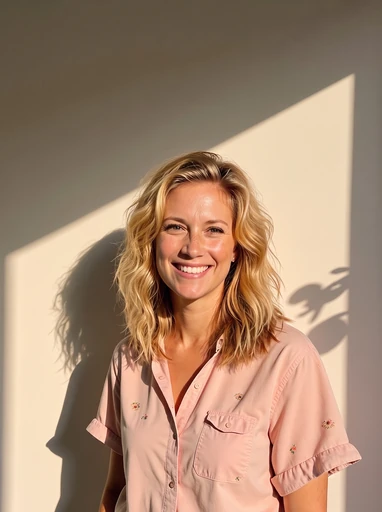
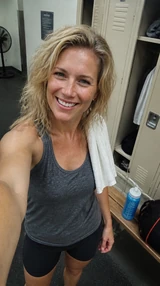
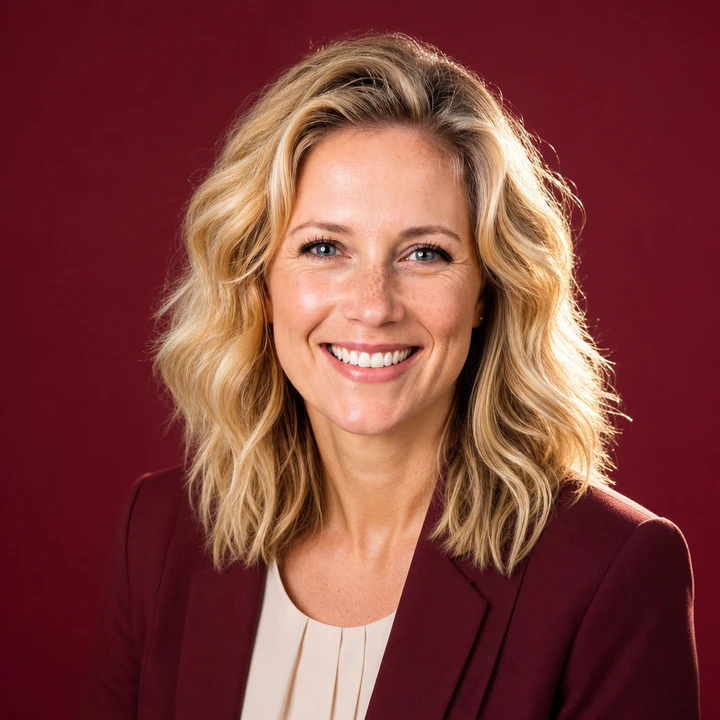
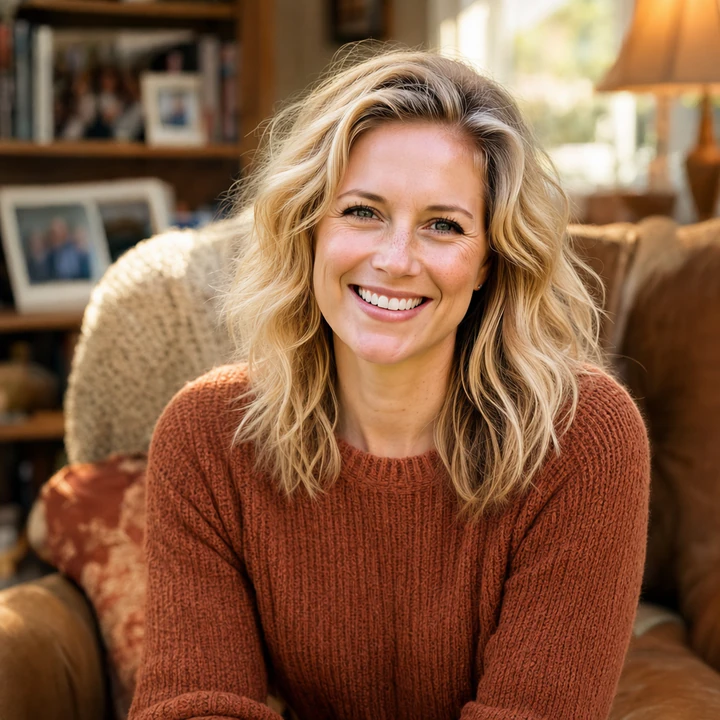
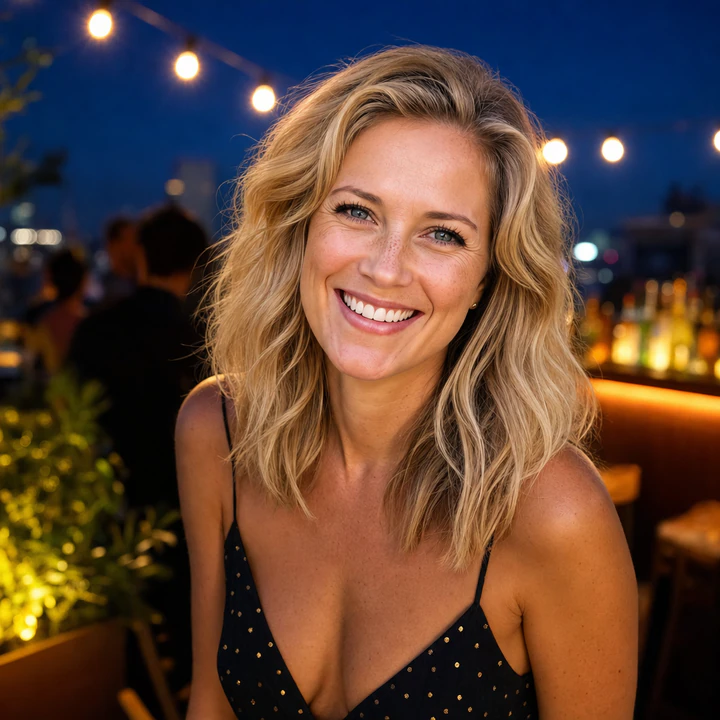
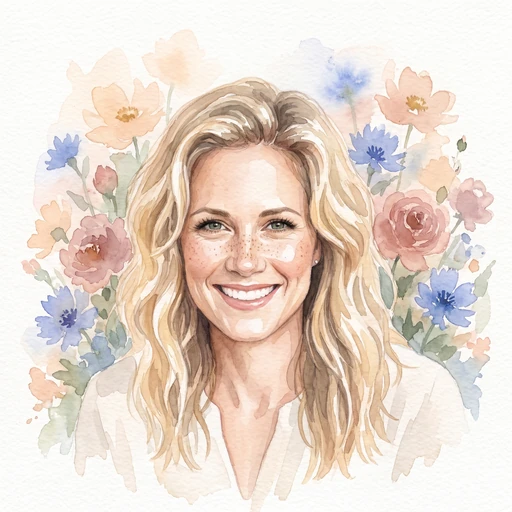
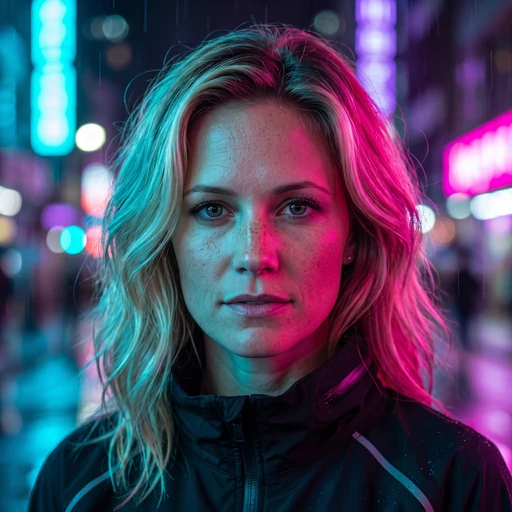
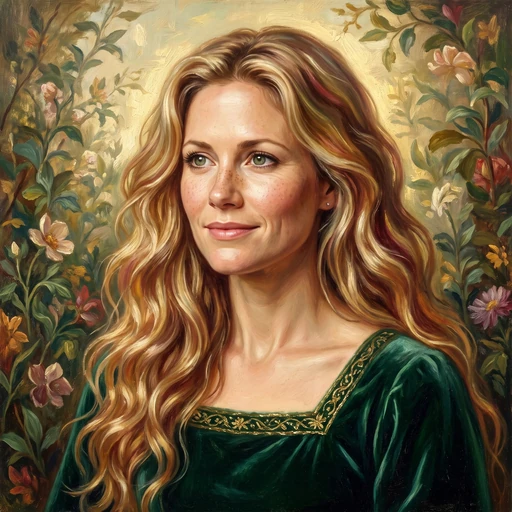
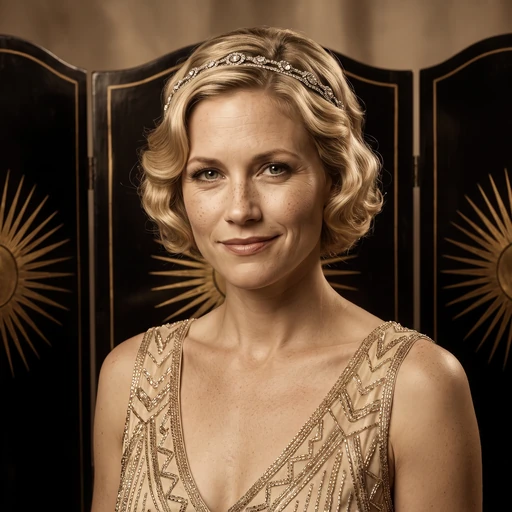
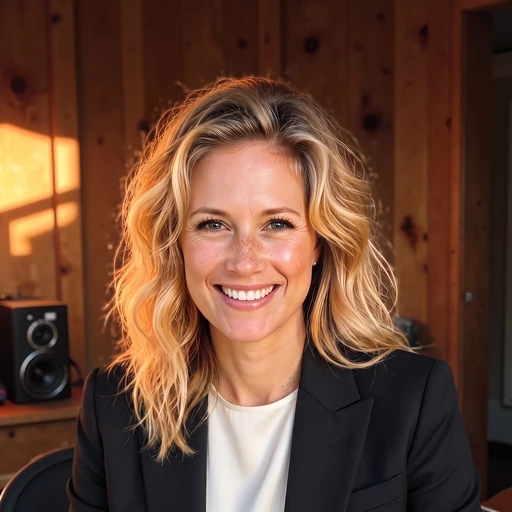
Hannah’s photos

how it works
01
Upload a few photos, once
Photos you already have, that show the AI what you look like.
02
Your personal AI learns how you look
The AI extracts your features, your hair, eyes, face from the photos you upload.
03
Create any photo of you in seconds
We’ll start you off with 50 great photos of you.
Be the best You



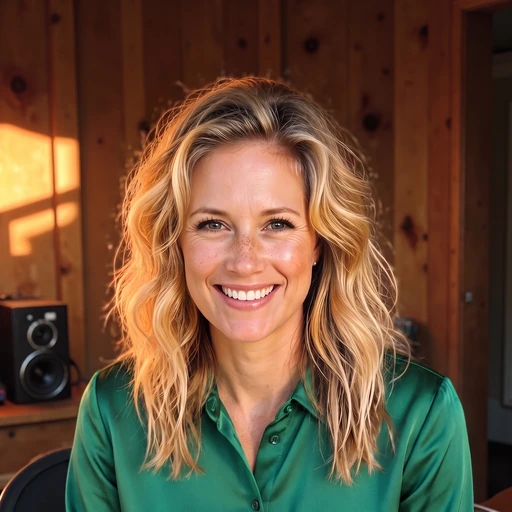
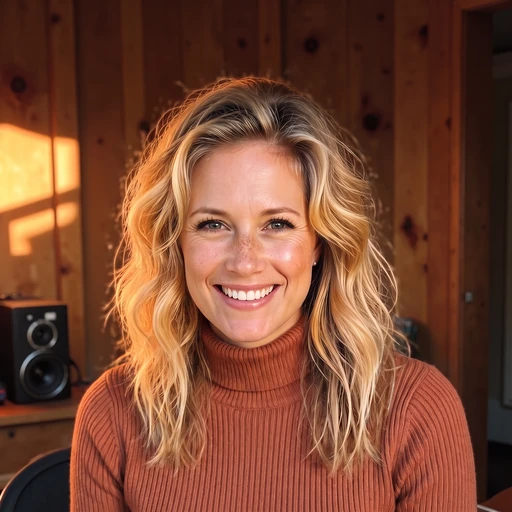
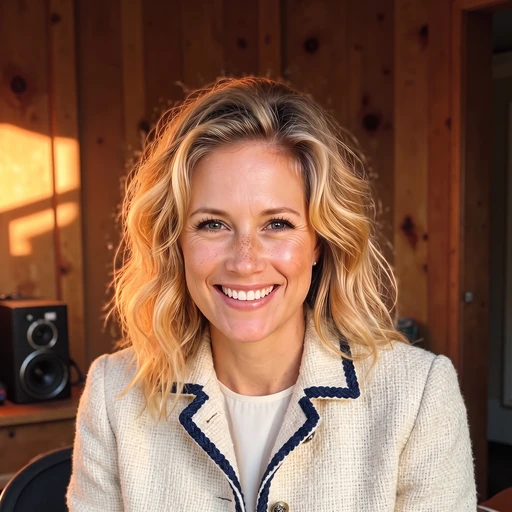
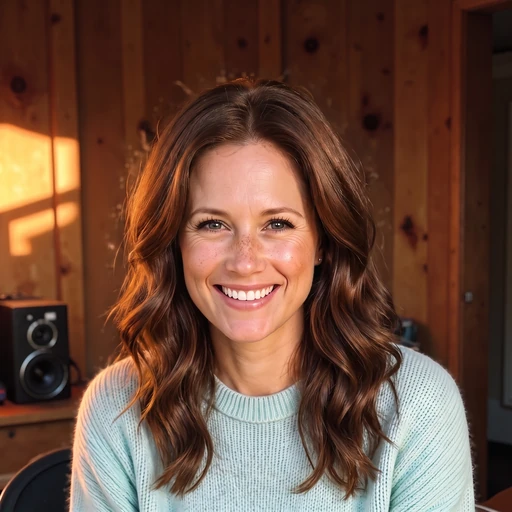
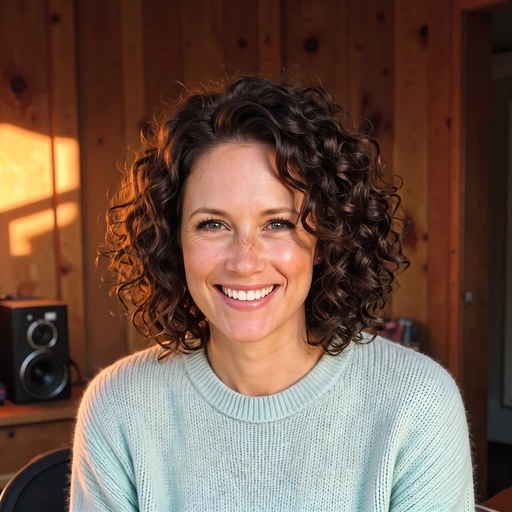
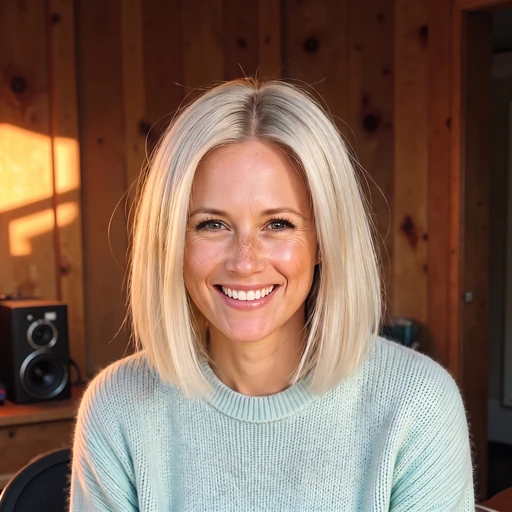
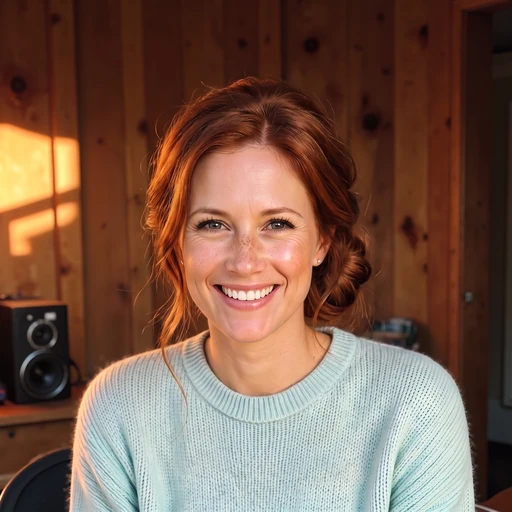

Rated a perfect 5 / 5 on Trustpilot

17,175 reviews



Successful teams choose Magic Studio
On-brand headshots, without expensive, complicated photoshoots.




Your data is yours, and yours only
Your photos stay private, protected, and under your control.
Your photos, your model
Your photos are used only to create your personal AI model and generate photos of you. They’re never used to train our general AI models or anyone else’s.
Delete anytime
Delete a photo, a set of photos, or your entire account whenever you want. Your personal AI model is also automatically deleted after 90 days.


Never shared. Never sold.
We don't share your photos with anyone. We don't sell your data. We don't run ads with your information.
Your questions,
answered.
Magic Studio is your personal AI photographer. Upload a set of everyday photos and we’ll create a personal AI model that can generate new photos of you—from professional headshots to social and dating photos.
Yes. InstaHeadshots is now Magic Studio, and the headshot service lives at magicstudio.com/headshots. It’s the same product and account experience under a new name.
Log in at app.magicstudio.com using the same email and sign-in method you originally used. Open a photo and select Download to save one image, or use Select to Download in your gallery to download several at once. If you have multiple profiles, you can switch between them from the profile menu.
You upload a selection of clear, recent photos that show what you look like. Magic Studio uses them to create your personal AI model, then generates 50 watermarked photos for you to preview. We’ll email you when they’re ready.
You’ll start with a set of professional headshots. After purchasing a pack, you can use credits to explore more looks from our professional, social and dating collections, or create more photos in a look you already like.
No—ordinary photos and selfies work well. Upload at least 10 clear, recent solo photos, including mostly close-ups and at least two waist-up shots. Use a mix of outfits, backgrounds and lighting, face the camera directly, and keep your appearance consistent across the photos.
Most sets are ready in around 15 minutes, although it can take longer during busy periods. You don’t need to keep the page open—we’ll email you as soon as your photos are ready.
You can create and preview your first set of 50 watermarked photos without paying. You only purchase a pack when you want to download photos without watermarks or start editing them. Personal AI photo packs are one-time purchases, not subscriptions.
The Starter pack lets you download three standard-resolution headshots and includes three credits. Standard unlocks all 50 standard-resolution headshots and includes three credits. Premium unlocks all 50 in 4K, 300 DPI and includes 50 credits. Prices vary by location, so you can find the current options on our headshot pricing page.
Before paying, you can retry once for free using a new set of uploaded photos. The retry creates a completely new set of 50 photos and replaces the previous set. Because you can review the entire set before deciding to purchase, payments are non-refundable except where required by law.
Yes. Editing becomes available after you purchase a pack. Open any photo to change its outfit, backdrop, hairstyle, hair colour, glasses, expression, eye colour or gaze, reduce wrinkles, remove jewellery and more. You can also use Magic Edit to describe a change in your own words or Magic Eraser to remove small distractions.
Starter and Standard include three credits, while Premium includes 50. Most editing tools use one credit each; Magic Eraser doesn’t use credits. Creating five photos in a new look, generating five “More like this” photos, or upscaling one photo to 4K each uses five credits. Additional credits can be purchased after you’ve bought a base pack.
Standard photos are 1024 × 1024 pixels and work well for websites, profiles and most digital use. Premium includes every photo in 4K at 4096 × 4096 pixels and 300 DPI. Starter and Standard customers can also upscale individual photos to 4K using five credits per photo.
Yes. You have full rights to use your purchased photos for personal or commercial purposes, including websites, LinkedIn, resumes, advertisements, business cards and printed materials. Purchased downloads have no watermark and require no attribution.
Yes. Magic Studio for Teams lets you invite members by email, create professional headshots for everyone and manage progress and downloads from one dashboard. Each person gets their own individual headshots, while the team admin manages payment and access.
They’re still available. The original photo editor now lives at magicstudio.com/photo-editor, and the other Magic Studio tools remain at their existing URLs. Accounts for those tools remain separate from accounts that originated with InstaHeadshots.