
LinkedIn Profile Picture Size: Dimensions, Crop and File Limits
LinkedIn profile picture size: at least 400 x 400 pixels, up to 7680 x 4320, JPG or PNG under 8 MB, shown as a circle. Banner size, how to crop, and how to stay sharp.

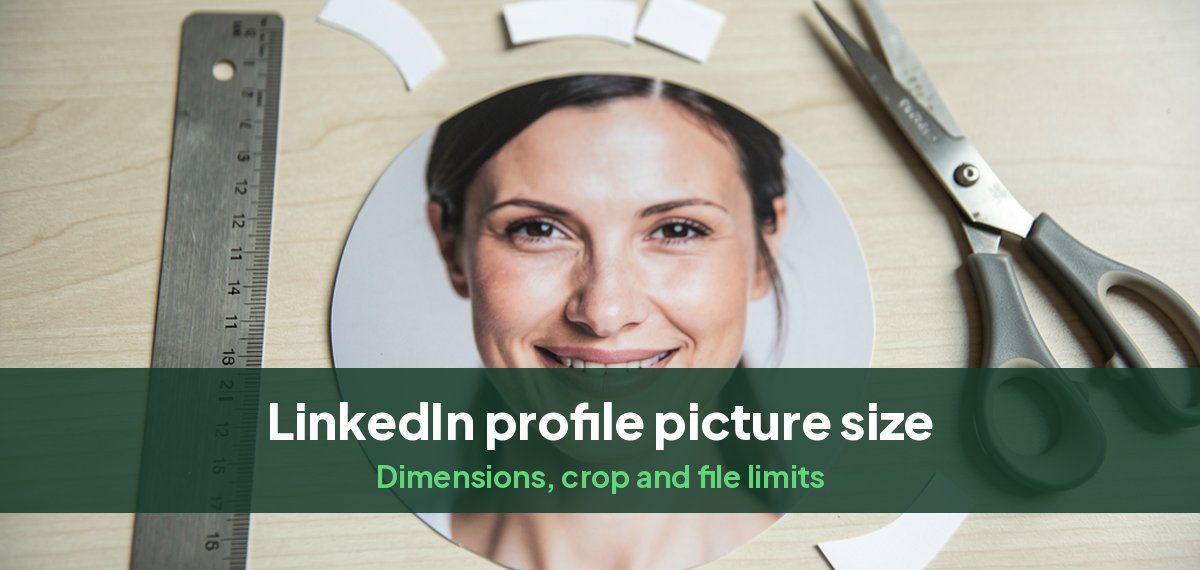
The LinkedIn profile picture size is at least 400 x 400 pixels and at most 7680 x 4320 pixels, as a JPG or PNG under 8 MB. LinkedIn does not accept GIFs. Upload a square, ideally 1,000 x 1,000 pixels or larger: LinkedIn shows the photo as a circle and compresses it, and a larger square stays sharp.
LinkedIn image sizes at a glance
| Image | Size | Shape | File |
|---|---|---|---|
| Profile picture | 400 x 400 minimum, up to 7680 x 4320; 1,000 x 1,000 or larger recommended | Square, shown as a circle | JPG or PNG, under 8 MB |
| Background photo (banner) | 1584 x 396 recommended | 4:1 | JPG or PNG, under 8 MB |
LinkedIn's help pages give the minimum, maximum and file rules for the profile picture, and recommend 1584 x 396 for the banner. Our LinkedIn background photo guide covers what to put in the banner.
Why the circle matters
LinkedIn crops your square photo to a circle, so the corners disappear. If your head is close to the top edge, the circle cuts it off, and if you are small in the frame, you become a dot in search results and comments, where the photo is shown at thumbnail size.
Crop it like this:
- Square, with your face in the middle.
- Face filling about 60% of the height, from the top of your chest to a little above your hair.
- Eyes about a third of the way down.
- Space all round your head, so the circle does not touch it.

How to resize a photo for LinkedIn
- Start from the largest version of the photo you have.
- Crop to a square with your phone's crop tool (the square preset) or any photo editor.
- Check the size: if the square is smaller than 400 x 400, choose a sharper photo rather than enlarging it.
- Export as JPG at high quality, around 80 to 90 percent. A 1,000 x 1,000 photo is usually well under 1 MB.
- Upload, then use LinkedIn's zoom and straighten tools to place your face in the circle.
Why your LinkedIn photo looks blurry
- The original was small, for example a crop from a group photo. Start from a larger, sharper photo.
- It was enlarged before upload. Enlarging adds blur; only ever shrink.
- It was screenshotted or sent through a messaging app, which compresses it. Upload the original file.
- It is heavily filtered or smoothed, which reads as soft at small sizes.
What the photo should show
At thumbnail size, only your face carries. Choose a recent, sharp head-and-shoulders photo with a natural smile, work clothes in a solid color and a plain background. LinkedIn asks that your photo reflect your likeness. Our LinkedIn profile picture guide covers what a good one looks like and what recruiters reject, and the headshot sizes guide gives the sizes for every other site.
If you do not have a photo that works, Headshots by Magic Studio turns about ten of your own photos into 50 LinkedIn headshots across 5 looks, at high resolution and ready to crop, in about 15 minutes. You see them before paying. The free AI headshot generator tries it on one photo, with no sign-up.
Common questions
What size should a LinkedIn profile picture be?
At least 400 x 400 pixels and no more than 7680 x 4320, as a JPG or PNG under 8 MB. A square of 1,000 x 1,000 pixels or larger gives the sharpest result.
What is the LinkedIn profile picture size in inches?
LinkedIn measures in pixels, not inches. 400 x 400 pixels is the minimum; at 300 DPI, a 1,000 x 1,000 photo is about 3.3 x 3.3 inches.
What aspect ratio is a LinkedIn profile picture?
1:1, a square. LinkedIn displays it as a circle.
What size is the LinkedIn banner?
LinkedIn recommends 1584 x 396 pixels, a 4:1 ratio, as a JPG or PNG under 8 MB.
Why is my LinkedIn profile picture blurry?
Usually because the photo was small, enlarged, compressed by a messaging app or screenshotted. Upload an original photo of at least 1,000 x 1,000 pixels.
Can my LinkedIn profile picture be a GIF?
No. LinkedIn accepts JPG and PNG only.